

Lemorele HDMI to USB-C Adapter with 5000mAh Battery, 4K@60Hz Converter for Fire TV Stick, Compatible with AR Glasses (Xreal Air/Rokid) and USB-C Monitors
$44.99
Related Products








Product description
HDMI to USB-C Adapter (Supports Power Delivery from Power Banks) 


1 Outdoor Break Time
2 Commuting & Traveling
3 Portable


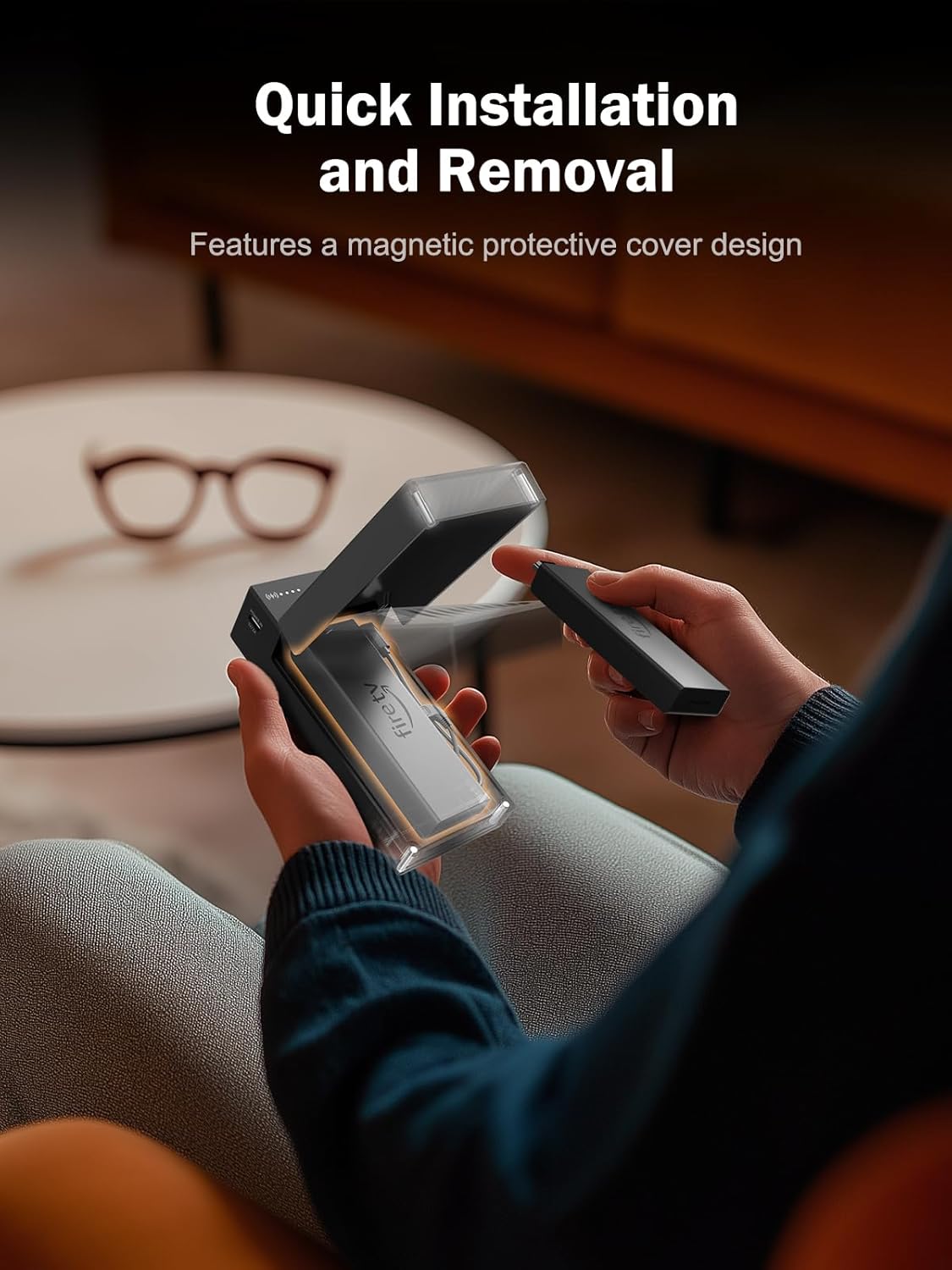
1 Magnet Cover Design
2 Plug and Play
3 Product Dimensions


No audio output when connecting Xreal AR glasses:
1. Double-click the “X” button to enter setup mode
2. Then press the “-” button to enter audio mode
3. In the audio settings, switch the audio to DP mode.

【HDMI to USB-C Converter】: The HD200 features a built-in high-efficiency signal conversion chip and HDMI-to-Type-C functionality. Effortlessly connect your Fire TV Stick to AR glasses (such as XREAL, VITURE, RayNeoAir, etc.), monitors, and other devices without additional adapters, completely eliminating traditional wiring hassles. A single cable delivers both audio/video transmission and power supply, achieving efficient integrated transmission
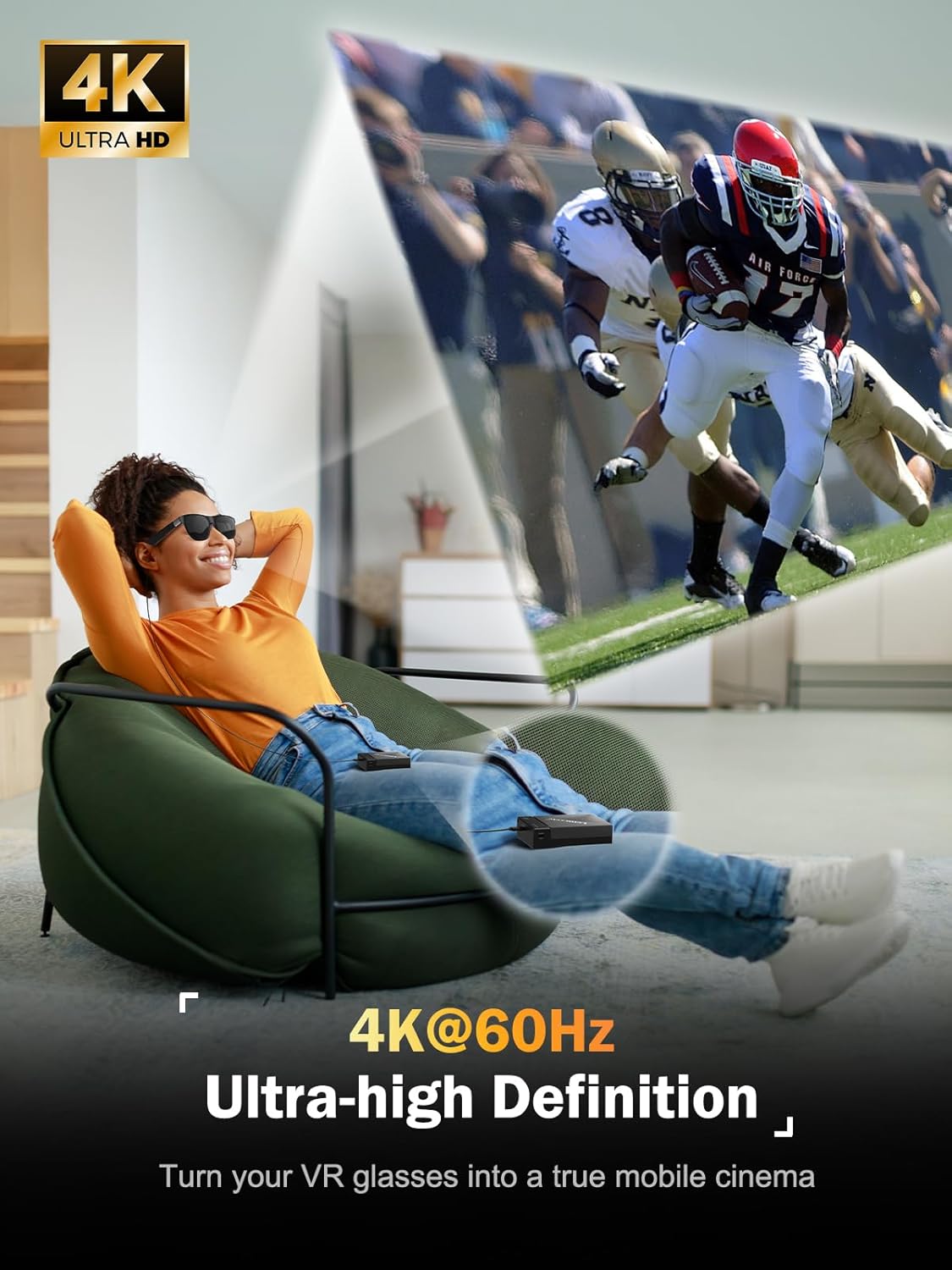
【HDMI 4K60Hz Ultra-Clear Output】: Delivers high-specification video transmission capabilities, supporting 4K resolution and 60Hz refresh rate. Ensures AR glasses and display devices deliver crisp, fluid visuals, eliminating screen stuttering and color distortion to meet high-resolution viewing demands
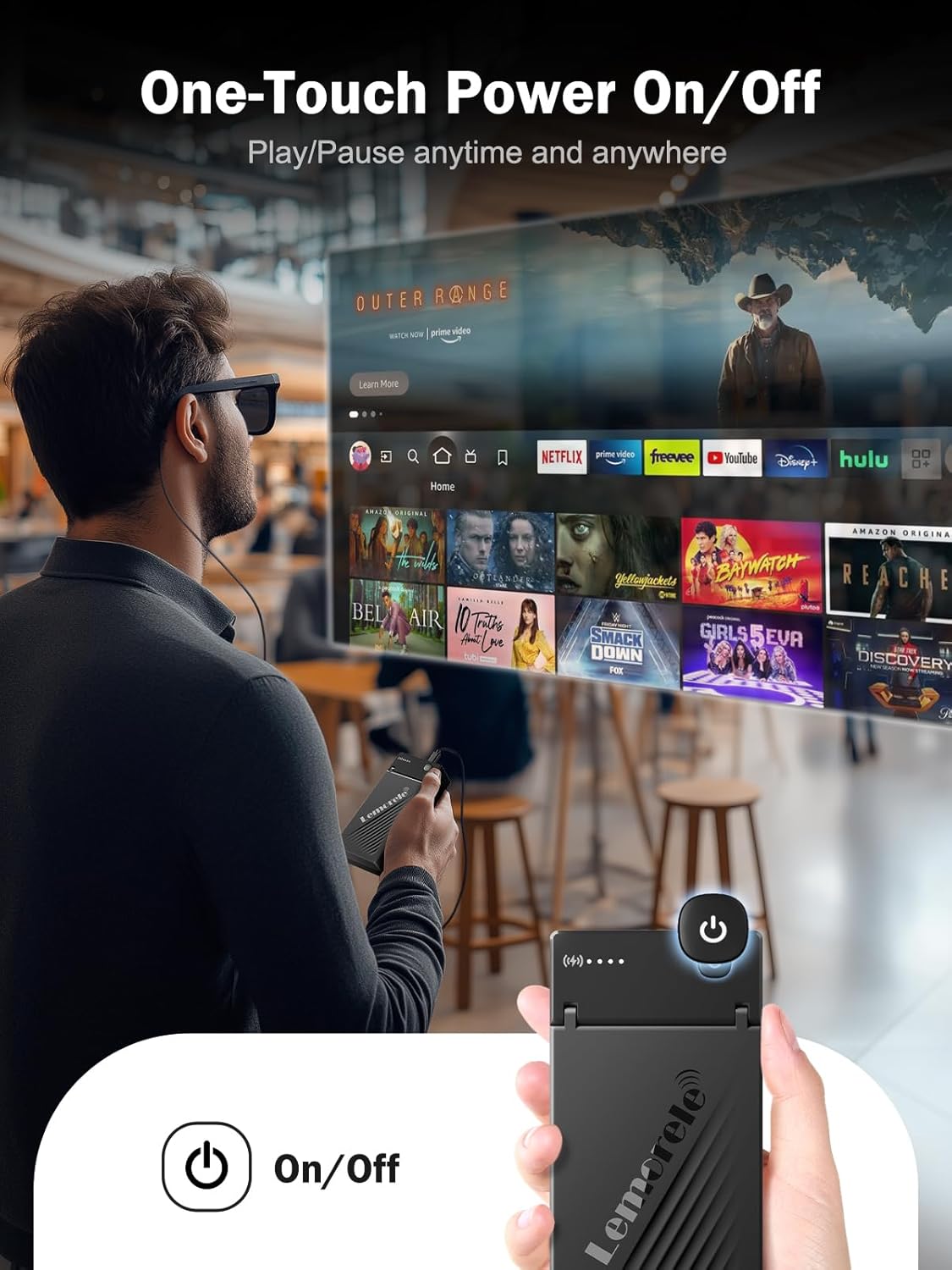
【5000mAh High-Capacity Battery, Long-Lasting Power】:Features a built-in high-capacity lithium-polymer battery supporting continuous viewing. Runs for up to 4 hours on a full charge (when paired with Fire TV Stick + AR glasses). The power indicator displays remaining battery life in real time, eliminating power anxiety during outdoor use
【Plug-and-Play】: Featuring a driver-free design, simply install the Fire TV Stick and connect your AR glasses to get started, no plugins or complex setup required. Enjoy entertainment anytime, anywhere, even on business trips without tedious configuration
【Lightweight and Portable, Easy to Carry】: Measuring just 130mm × 60mm × 32.5mm, the product is comparable in size to a mobile power bank. Featuring a magnetic quick-release design, its lightweight body securely holds the Fire Stick in place within the protective case, effectively preventing loss and damage from impacts. Simple to attach and detach, it offers exceptional portability and is perfectly suited for use on the go
13 reviews for Lemorele HDMI to USB-C Adapter with 5000mAh Battery, 4K@60Hz Converter for Fire TV Stick, Compatible with AR Glasses (Xreal Air/Rokid) and USB-C Monitors
Add a review

$44.99
Tony K –
Great Lemorele Support
I had battery issues the my unit but was resolved by support@lemorele.com. New unit works great. I’m using it with my XReal One Pro glasses and it is very easy to just hold the FireStick remote and all works great with no wires. If your looking for a way to use the FireStick 4K on your glasses this is the best solution.
Michael G. Behen –
Great for rayneo air glasses use with PS5
I purchased this to use with Rayneo Air 3s to connect to the Playstation. Works excellently.
Sal –
It does work!!
So it does work but there are no clear instructions how to get up and running. So after some testing i got it to work and was able to duplicate multiple times. So with these steps you will be able to get video and audio. What I did to get to work:1st get a new usb A to usb C cable. The one that comes with the adapter does not work.2nd plug in your usb C display output ( xreal air, monitor, etc ).3rd you plug in your usb C power to both the power source then the HDMI to USB C adapter. On PS5 use the usb c on the front to power the adapter. On Xbox X and S use the usb on the back near the HDMI to power the adapter. On the Xreal switch it to DP audio, google how to change audio on Xreal glasses.4th you plug in the HDMI from your video source ( PS4, PS5, Xbox, Steam Deck with usb c hud with HDMI out, Laptop, PC )5th Give the display a second to get the signal. After a bit you will have video showing up and audio coming out of your display ( xreal air, monitor, etc ). In both the Xbox and in the PS4, PS5 you need to change the audio output to headset.Hopes this helps you all out!P.S. I have not tested this yet on my switch. Once I do I’ll update if it works, it should be the same as the PS5 and Xbox.
T-bone –
Works with Steam Deck and Rokid Max Glasses, most of the time
It worked for months with my Steam Deck’s docking station hdmi port to plug in my XR glasses. Suddenly, when the Steam Deck is in desktop mode, it quit working. I’ve had no issues while the Deck is in game mode. I followed instructions on the product video and that didn’t solve the issue. I figured out I just have to unplug and plug it in multiple times and it will eventually work. Appears this is a common SD issue. In addition you can have both the Steam Deck’s screen and XR glasses on at the same time.
Kilovar –
Could not get sound to work – Specific setup in details
Hi my setup was very specific, so my advice is for you to try to find a review that matches how you’ll be using the product.I have a office class video device. The device has 1 HDMI input, and 1 USB-C input. I had a laptop plugged into the HDMI, and wanted to use the USB-C with Chromecast (Chromecast is only HDMI).The setup was easy, and the video did come through (and protected video played), however, I could not get the sound to work.So I thought I’ll just do the opposite and use the USB-C for the laptop (Laptop output HDMI, connected to the Lemorele adapter, and USB-C connected to Cisco DeskPro). Again, I could get video, but no audio.Given that the support for this product is non-existent (you can’t even find it at the Lemorele US website) my conclusion is that for my specific setup it was not going to work and so I returned it.
Greg –
Great with Steam Deck and USB-C portable monitor
I’m using the Lemorele adapter with my Steam Deck, Jsaux dock and an ASUS M16ACE USB-C portable monitor. With this setup I am able to power the monitor, charge my Steam Deck and use a USB mouse & keyboard or controller at the same time.The Lemorele adapter can be powered directly from the Steam Deck dock when the charger is plugged into the dock or from any external USB power source if the Deck is running on battery power (no charger).The Steam Deck’s battery does not provide enough power delivery to power itself, the adapter and my USB monitor at the same time, but powering the adapter from any USB power bank worked great.For those who do not have a dock, I also tested with the Anker USB-C 14 in 1 triple display hub with the same results.Overall 5 out of 5. It does everything I need. It also works great to drive a portable monitor with laptops that don’t support USB-C dp-alt-mode.
Colossus –
Need more ways to use it
The product worked the way how it was designed to do. I bought it to connect my ps5 to the projector glasses. But now I dunno what else is good for. Quite limited for its usages.
michael b. –
Bling
Works great xreal one pro on old computer without usbc4 dp
Joel Canada –
Wasn’t expecting it to be really small! 1.5 long and 1inch wide.Worked great for my Xreal Pro just have to change the audio to dp mode to hear it through the Xreal speakers.Also please note initially I used a cell phone charging power adapter to power the unit. But it was not enough. Keep in mind the Xreal unit still turned on but the video didn’t come through.For some reason I thought why not increase the power coming through and used a MacBook Pro power charger since it has a usb-c out and it worked!!So please be aware it is power hungry if you are using an Xreal pro.So far it works great and really happy with it! For context I used this to connect my pa4 to the Xreal Pro 🎉
Dez –
Works as expected between a PC and Viture Pro XR glasses.
Eric –
A marcher 1 minutes ne pas acheter la qualité reste à désiré
Ian Kehayes –
This adapter worked perfectly to connect HDMI devices to my rayneo air 2S glasses. you need a power source like a battery bank or sitting close enough to a wall outlet with a long cable to power the adapter. I have used it with PS5, and Xbox series S with 0 issues. I have no doubt this would also work on a windows PC, but I never did try it myself. Overall if you need a way to connect an HDMI device to your XR glasses, this is a great option!
John –
May need to be plugged into a basic USB charger rather than the console itselfFor xReal Air Hold BRIGHTNESS UP until you hear 2 beeps to activate HDMI audio. Then hold BRIGHTNESS DOWN until 1 beep to convert the brightness buttons to volume buttons.xReal glasses must be updated to the newest firmware for volume and 120hz.120hz is less stable but works with some fiddling and direct USB power, make sure your console is set to HDMI rather than auto discovery mode.Also compatible with the mClassic HDMI anti-aliasing upscaler with some fiddling.