
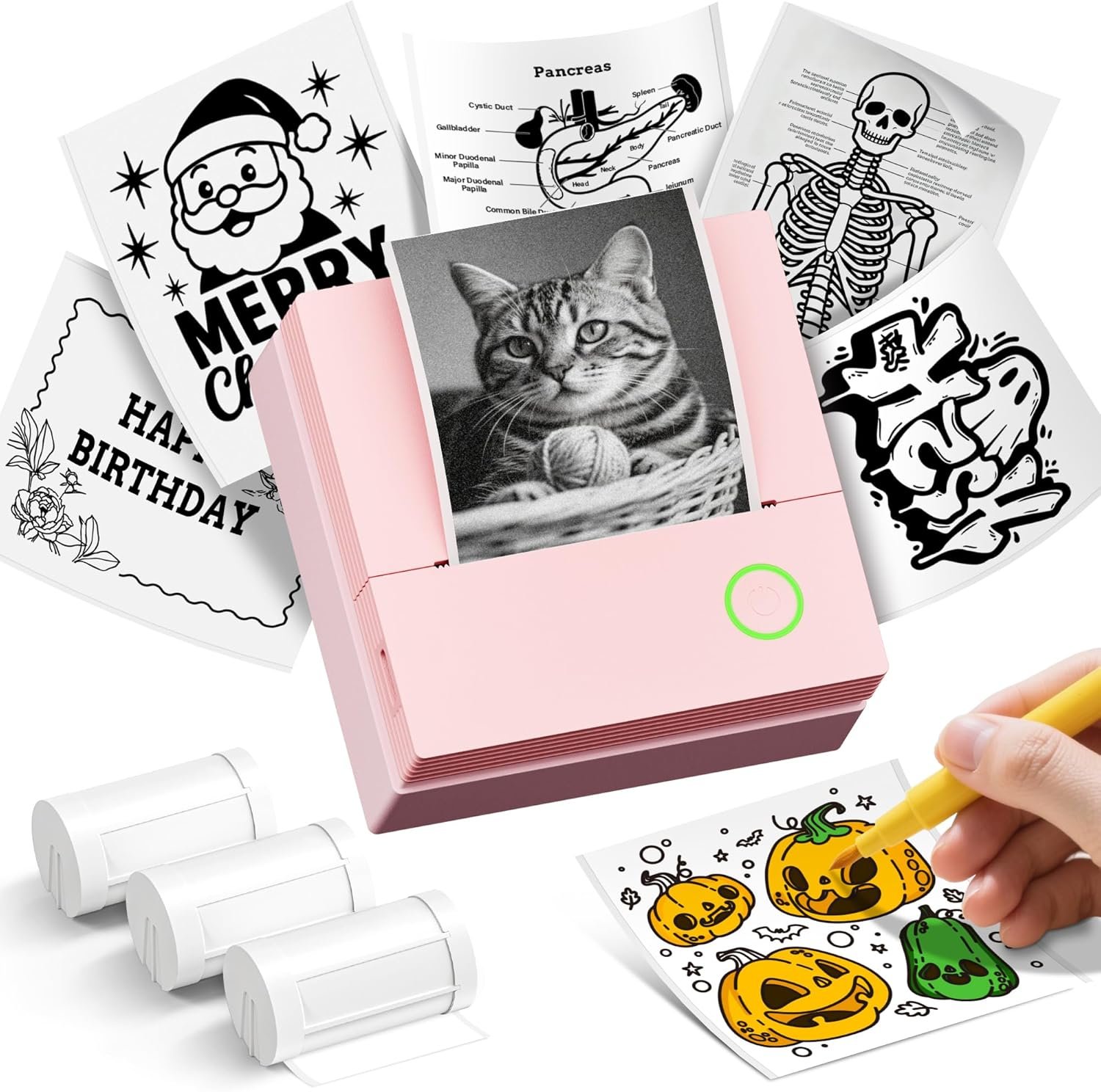
Sticker Printer, PM290C Portable Mini Printer, Inkless Bluetooth Sticker Maker with 3 Rolls Paper, Impresora Portátil for Notes, Journal, DIY, Gift, Print Pod for School/Office/Christmas, Pink
$23.99
Related Products






From the brand

PM290C Sticker Printer
PM290C Thermal Printer Label
How to PM290C label makerconnect Bluetooth?
1.Connecting to Bluetooth through the “Labelnize” APP
2.Download the App “Labelnize” fromi the Apple Store/Google Play
3.Turn on Bluetooth on your phone, long press to turn on the PM290C sticker printer and open the Labelnize App to link to Bluetooth
Can the PM290C be connected to a computer or used to print color photos?
1.The PM290C cannot be connected to a computer for use; it can only be used with mobile phones or iPads.
2.the ETIKEZ PM290C mini printer is a thermal printer that can print black and white photos, but not a camera.
ETIKEZ Instant Print Camera
Instant Camera
Portable PM290C Customized Sticker Printer – This versatile mini printer is a compact and portable sticker maker machine. It’s an ideal sticker printer for school, home, or office use. The kit includes 3 rolls of 54mm×3.2m white adhesive thermal paper. A great sticker maker choice as a gift for students, teachers, and family. Note: mini printer only in black and white. If the red light stays on after inserting paper, gently pull it out 1–2cm
Bluetooth Connection – The ETIKEZ mini printer supports Bluetooth connectivity for iOS and Android devices: download the “Labelnize” app, long-press the printer button until the white light flashes, enable Bluetooth, then select “PM290C” in the app. install label tape:Open the paper bin cover, Load the label roll in to the paper bin and close the cover, Press and hold the power button to turn on the device, Bluetooth connection via Labelnize APP and print
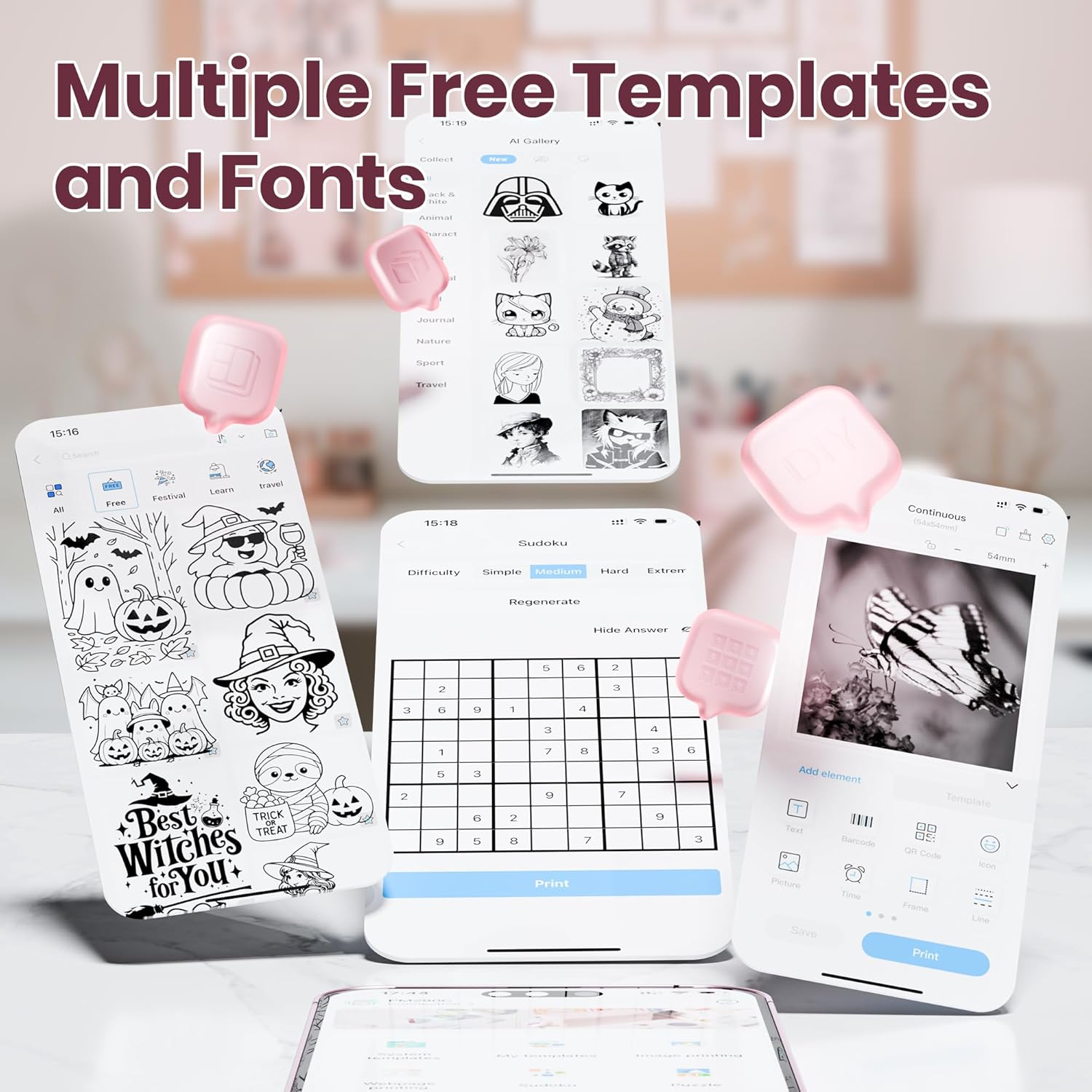
Intelligent App Features – Sticker printer unlock advanced functions with the ETIKEZ app for this mini printer print pod. Use AI tools, OCR, and rich templates to print study notes, memos, and more. This sticker maker boosts learning and office productivity. Perfect for students and professionals, Note: sticker printer is not a camera and prints solely in black and white, that sticker maker it does not support computer use
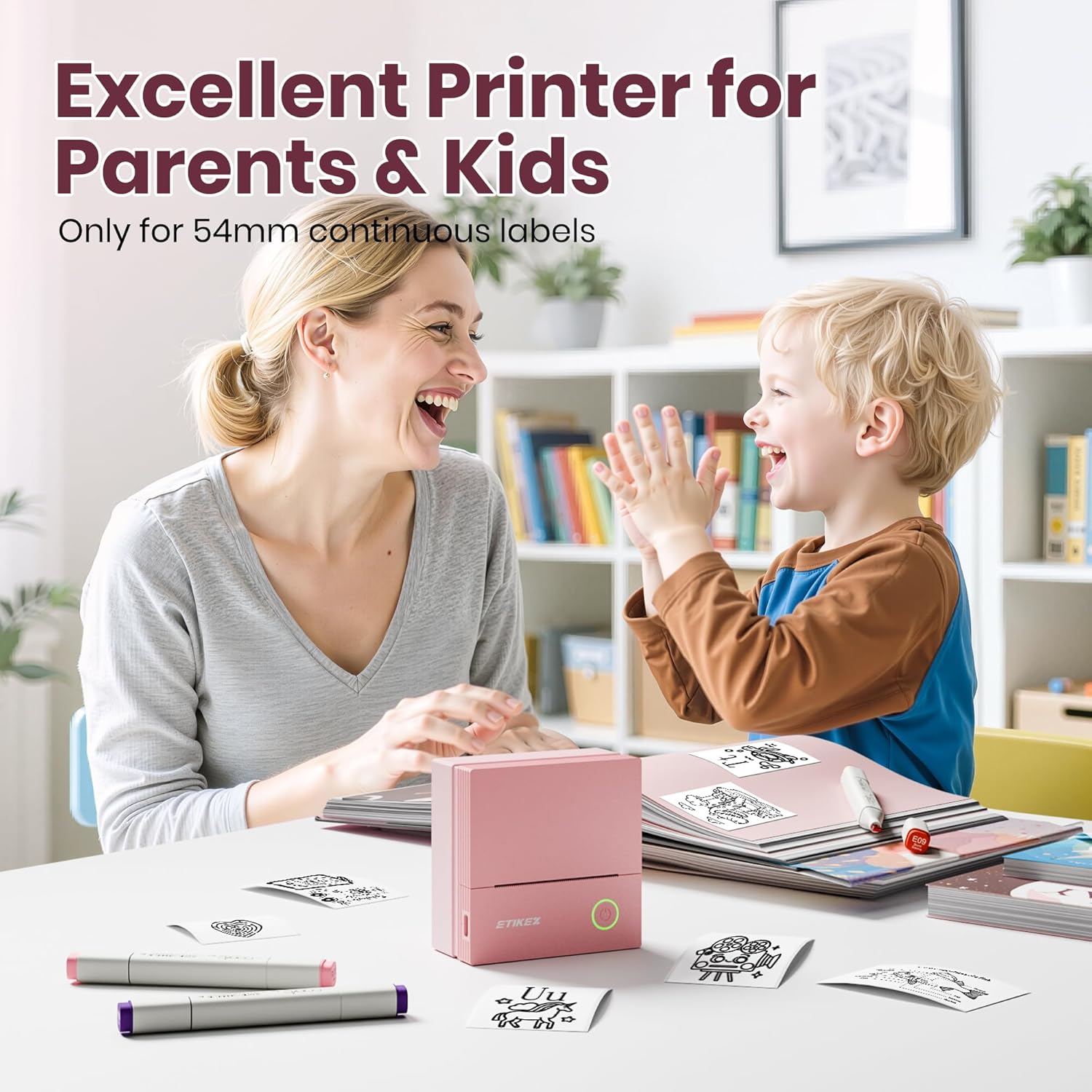
High-Quality Printing Experience – The PM290C sticker maker machine delivers clear, eye-friendly monochrome prints. Sticker printer cute and compact design makes this mini printer especially appealing to kids. With one-button operation, this sticker printer is ideal for gifts on birthdays or back-to-school seasons print pod. Note: mini printer charging adapter not included; avoid fast-charging adapters
Monochrome Mini Printer – More than a simple sticker printer sticky note printer, this powerful sticker maker is your instant monochrome mini printer. Print print pod moments and pictures in black and white anywhere sticky note printer—your ultimate portable sticker maker machine and printing companion mini printer for iphone, Thanksgiving gift, Family Thanksgiving, Note:The printing density can be adjusted to a maximum of 3F to improve printing quality
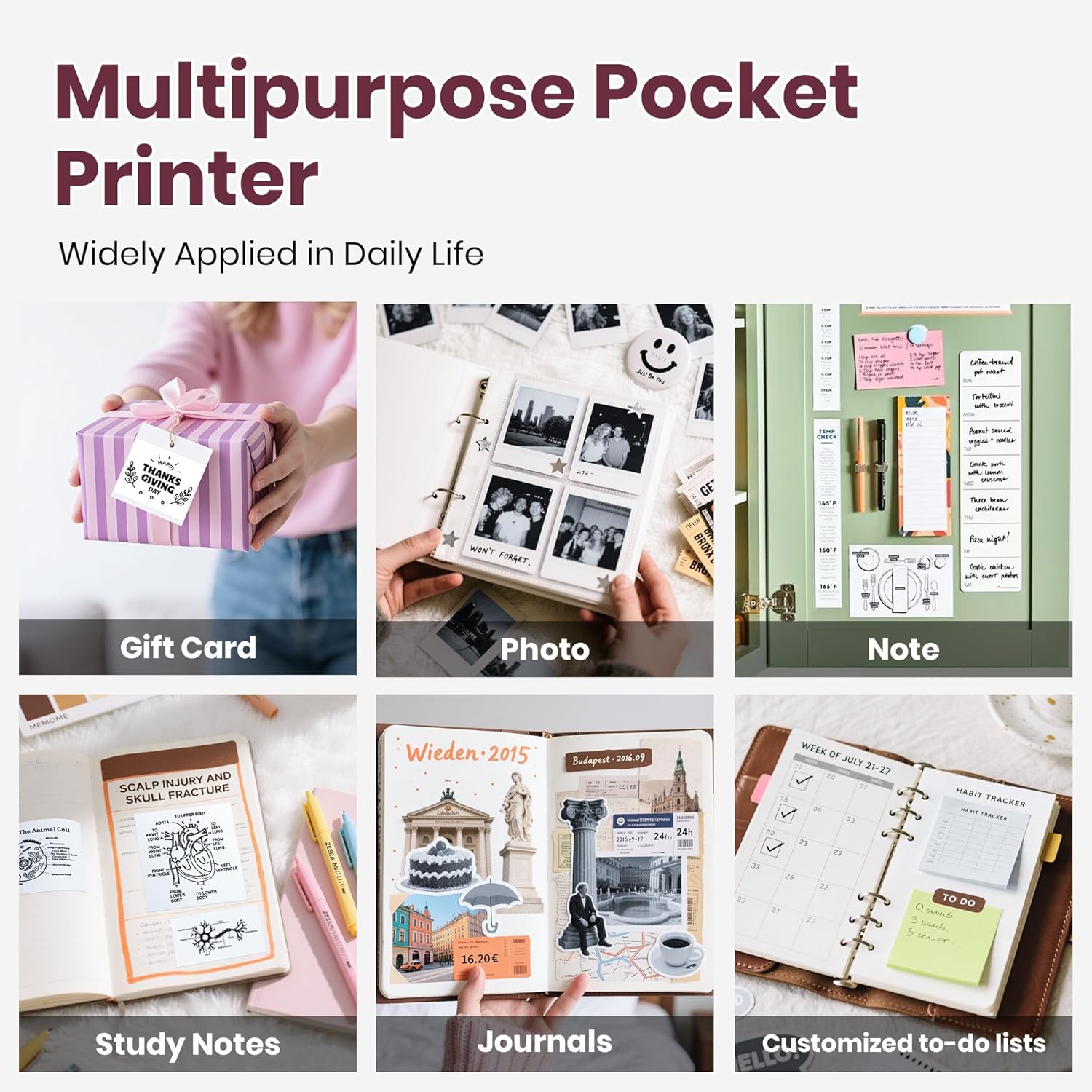
Total Customization Freedom – The PM290C mini printer comes with 3 rolls of thermal paper, allowing you to print and cut labels into any shape or size. This sticker maker machine offers a practical sticker printer solution for all your creative print pod labeling needs, This isn’t just a mini photo printer, sticker inkless bluetooth printer your tool for turning everyday moments into tangible, Christmas crafts, Santa gift, Note:Transparent labels need to be cut with scissors
Monochrome Mini Printer – More than a simple sticker printer sticky note printer, this powerful sticker maker is your instant monochrome mini printer. Print print pod moments and pictures in black and white anywhere sticky note printer—your ultimate portable sticker maker machine and printing companion mini printer for iphone, Thanksgiving gift, Family Thanksgiving
13 reviews for Sticker Printer, PM290C Portable Mini Printer, Inkless Bluetooth Sticker Maker with 3 Rolls Paper, Impresora Portátil for Notes, Journal, DIY, Gift, Print Pod for School/Office/Christmas, Pink
Add a review

$23.99
Earnie Larkin –
Absolutely obsessed with my PM290C mini printer! Most addictive gadget I’ve bought all year!
This compact grey Print Pod fits easily in my hand yet delivers outstanding performance. Setup took mere seconds: I downloaded the app, connected via Bluetooth, and started printing sharp black and white stickers from my phone instantly.The thermal printing quality is impressive for photos, notes, journals, labels, and planner stickers. The three included rolls of adhesive paper stick firmly yet peel off cleanly without leaving residue. I immediately ordered colored and transparent rolls because I cannot stop using it.Battery life is excellent. I printed over 80 stickers on a single charge. It requires no ink, produces zero smudging, and the stickers look premium every time. The app offers abundant templates, fonts, and editing options.If you enjoy journaling, scrapbooking, organization, or cute tech gadgets, this printer is a must have. I now print everything and have zero regrets. It deserves every one of these five stars!
William Paul McInnis –
Handy little printer
This sticker printer has been so useful in my daily routine. It’s small enough to toss in a backpack, but it still puts out clear, sharp prints for labels, quick reminders, or little decorations for planners and journals. The setup was simple, pairing it with my phone took only a minute, and the app is pretty easy to use.The three included paper rolls are perfect, especially if you’re someone who likes switching between labels for organization. I’ve used it for everything from marking storage bins in my garage to adding fun little notes to my kids’ lunchboxes. The print quality is better than I expected for a thermal printer.Battery life has also held up well. I’ve taken it to work and used it throughout the day without needing to recharge. The compact “capsule” design makes it easy to carry, and it actually feels sturdy despite the cute appearance.
Jessie –
Adorable, compact pink mini printer has multiple applications, more helpful than I anticipated!
This adorable little pink mini printer is so handy. Years ago I bought label maker, which requires very specific label refills (many of which broke before I was able to use them up), it also has very limited labeling capabilities, with only 1 font, 3 sizes, and a limited selection of ClipArt images. This helpful little thing is far more functional, it’s lighter, has a greater printer capability, because this printer prints labels, pictures, logos, QR and barcodes and more. You have a wide range of label refills to choose from on amazon when time comes to replace. This package gives you three rolls of sticker paper, and 3 helpful little containers that hold the refill sticker paper. Honestly, I no longer use my old label maker. The cool thing is that this is a thermal printer, and therefore requires no ink. Pictures have high color value, even though it’s gray scale. Bluetooth always connects to my phone without issue.
Luisana Davalillo –
I liked it a lot; it’s practical and easy to use.
I bought the ETIKEZ PM290C portable printer and I love it! It’s very easy to use, connects quickly to my phone, and the print quality is excellent for labels, notes, and small designs. It’s compact, lightweight, and perfect for taking anywhere. The battery lasts a long time, and it doesn’t require ink, which is a huge plus. It definitely lives up to its promises, and I highly recommend it.
Lanie –
Cute, Compact, and Gets the Job Done
This mini sticker printer is easy to set up, connects quickly via Bluetooth, and is very convenient for notes, labels, and journaling. I like that it’s portable, ink-free, and comes with paper so you can use it right away. Print quality is good for text and simple designs, though photos can be a bit light. Overall, a handy little printer for simple needs.
Amanda –
Cool little thermal printer
This little printer is so easy and fun to use. I highly recommend it. The app allows you to customize your personal photos or create something new. You can change the darkness of the print as well. I love the size it’s nice and small easy to store or bring with you as you travel. Charges quickly or works when plugged in. All around a cool little printer.
Amazon Customer –
Compact, User-Friendly, and Excellent Print Quality
The PM290C Portable Mini Sticker Printer exceeded my expectations. Setup was quick and straightforward — it comes with three rolls, and loading them is simple thanks to the easy-open design. The device connects via Bluetooth using the LabelNize app, which is required for operation. The app is very user-friendly and includes many useful features. My 8-year-old son was even able to create new labels or reuse previous ones easily, all for free. There is also an optional subscription service available for upgraded features. Print quality is impressive for an inkless device, with adjustable settings that deliver clean, consistent results. Overall, the PM290C is a reliable, high-quality option for anyone looking for a compact and efficient portable sticker printer.
Javier Garcia –
Cute, portable and super convenient mini printer!
I love this little portable printer! It’s very lightweight, easy to set up, and connects quickly through the app. The print quality is great for labels, notes, to-do lists, and small photos. The design is adorable, and it comes with plenty of paper rolls so you can start using it right away. Perfect for journaling, organizing, or DIY projects. Definitely worth it for the price!
Amazon Customer –
I love this little printer! It would be great for kids and teens, as well as adults. Very easy to use. Easy to buy the extra sticker paper. Great for pictures and written text. I find the gray setting to be the best.
Mitch –
Arrived on time, easy to setup and prints well!
Angela Clark –
Very neat and easy to set up. Great for students
Vanilla Elphe –
Fonction great! I love printing my own stickers. The only downside is when you cut around the image and lose the wider backing, it’s a big pain to seperate the backing from the sticker after that. Also, a word of advice, if you use markers to color in the image, wait for it to be bone dry before touching it, because it will smudge. So printer works great, only the sticker paper could use some improvement. Otherwise I am very happy.
Ali –
OK for printing simple graphics, not great for printing photos.Better quality printing than the $15 memo alternative