

ASUS RT-BE58U WiFi 7 BE3600 AiMesh Extendable Router, 4K-QAM, MLO, AI Detection 2.5G Port, Four 1G Ports, Commercial-Grade Network Security, Parental Control, IoT Network, Kid’s Network, VPN Network
$129.03
Related Products


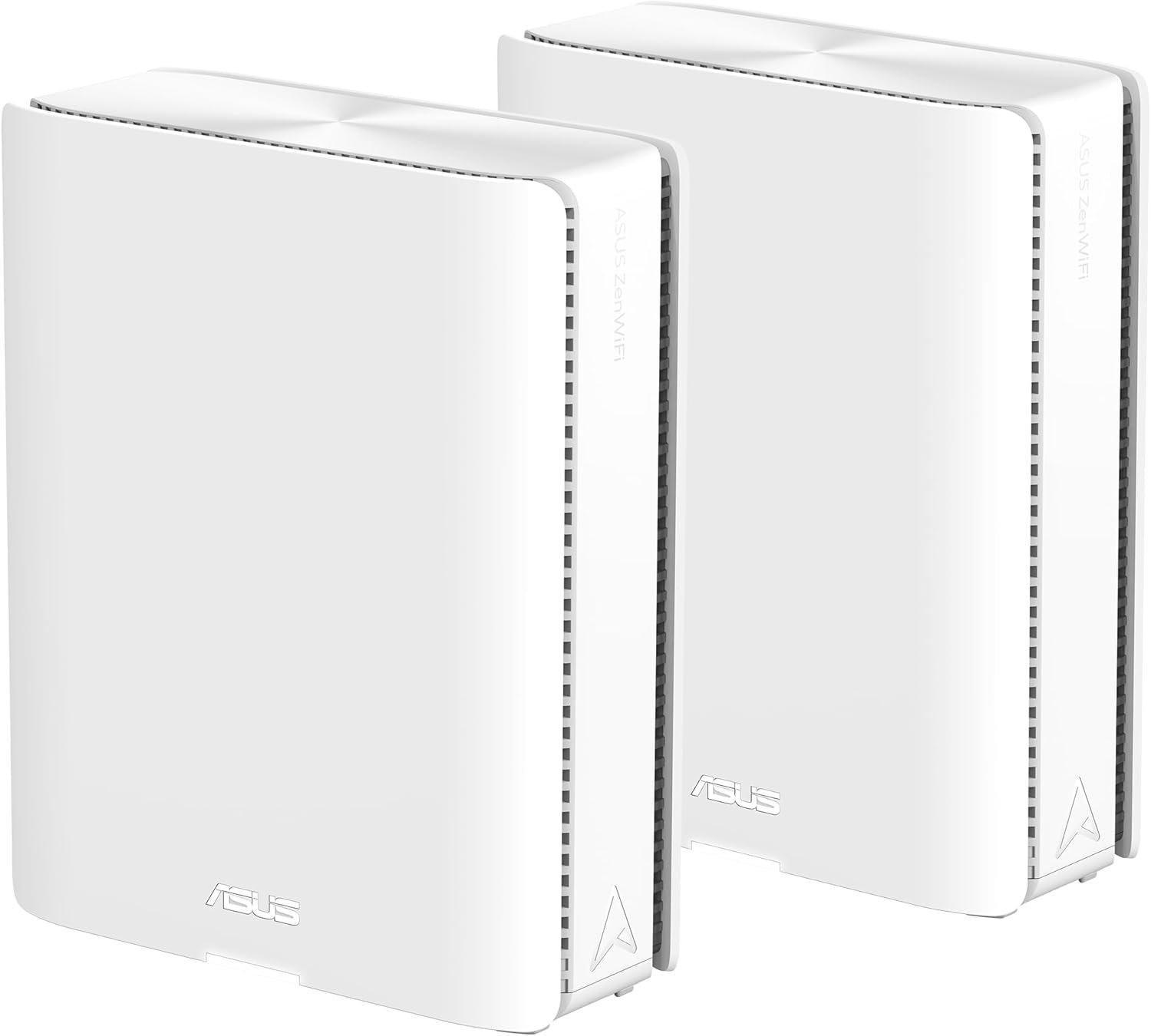


ASUS RT-BE58U is a 2×2 dual-band WiFi 7 router that provides up to 160MHz bandwidth and 4096-QAM for dramatically faster wireless connections. With a total networking speed of about 3600 Mbps — 688 Mbps on the 2.4GHz band and 2882 Mbps on the 5GHz band — ASUS RT-BE58U is 1.2X faster than 802.11ax 2×2 dual-band routers.
Beyond-fast WiFi 7 (802.11be) – WiFi 7 (802.11be) dual-band extendable router boosts speeds up to 3600 Mbps, with 4096-QAM increasing a single frequency band’s transmission speed by 1.2 times
Unleashing Multi-link operation (MLO) for Ultra-Smooth Connectivity – Link to multiple bands at the same time to ensure stable internet connections and efficient data transfers
Versatile WAN configuration options – Establish always-on internet through AI WAN detection and a convenient USB port ready for 4G LTE and 5G Mobile tethering.
Smart Home Master – Easily establish up to three SSIDs with Smart Home Master for easy IoT device setup and management, instant VPN connections, and convenient parental controls.
Commercial-Grade network security – Network security with commercial-grade AiProtection Pro powered by Trend Micro, plus a one-tap security scan and Safe Browsing.
11 reviews for ASUS RT-BE58U WiFi 7 BE3600 AiMesh Extendable Router, 4K-QAM, MLO, AI Detection 2.5G Port, Four 1G Ports, Commercial-Grade Network Security, Parental Control, IoT Network, Kid’s Network, VPN Network
Add a review

$129.03
Everyday Reviews –
Reliable WiFi 6 Upgrade with Great Features
Reliable WiFi 6 Upgrade with Great FeaturesThe ASUS RT-AX3000 has been a rock-solid upgrade to my home network. Setup was straightforward with the ASUS app—within minutes I had it configured and running. The WiFi 6 support really makes a difference; multiple devices can stream, game, and video call without slowdowns. Coverage is excellent across a two-story house, and even the backyard gets a stable signal.I appreciate the thoughtful extras ASUS built in. Adaptive QoS lets me prioritize gaming or streaming when needed, and the parental controls are simple yet effective. AiProtection, powered by Trend Micro, adds an extra layer of peace of mind against security threats. I also like that it’s AiMesh compatible, which means I can expand coverage in the future without replacing the router.One small note: while performance is excellent, the unit does run a little warm. Not a big issue, but something to keep in mind if you place it in a tight space.Bottom line: A fast, reliable, and feature-packed router that’s a great choice if you’re ready to move into WiFi 6 and want excellent coverage with built-in security and expandability.
Loleje –
Good product and good price
The router works as expected. It is very easy to set up.
AL –
Easy Setup and Function Right Away!
Replacement of the RT-AC88U which only works 2 years. Lately, always one of stations loose the internet connection, wondering maybe is switch issue (Netgear GS116). After get a new GS116, still got the same issue, then I concluded it is the WiFi RT-AC88U created the Gigabit connection issues, because found out more ststaions loose the internet also. After office, went to Best Buy got a TP-Link AX3000 Wifi Router, came home to install but problem which auto detect WAN IP(Comcast) setup almost 1 hour, still no result, create headache problem, install Router never sucg difficult and joke, I ahve to manual input IP, MAsk IP Subnet IP…….., this is a Joke, not use friendly! After use phone 5G login Amazon got this Asus router, RT-AX3000(AX58U) on next day shipping, after work came home, first thing is to install this Asus router(kids are almost lost their mind becuase no internet whole day but 5G phone net work!!!), follow the web installation procedure, Camcast cable inot LAN port, the other side connect to PC desktop, hpp://router.asus.com to setup, install new router, SSID, passwork and AUTO-DETECT IP(wha la! Thanks God!), after key-in all information, disconnect the cable, power off, then settle to the location, Comcast cable from Modem into WAN, then GS116 switch cable intot LAN port, re-boot the Cable Moden(Important), also power-on Router, then it all came back to normal, Excellent and easy to setup, use-friendly!
Tuna’s Castle –
“Works well after fixes, but not beginner-friendly UI
Fast router with good hardware, but the software is frustrating. Be warned that the settings are very different from Wi-Fi 6 models. Streaming ad-supported services like Pluto TV (and similar) may not work out of the box due to hidden or poorly implemented network settings.One major issue: just because a feature says “Disabled” does NOT mean it’s actually disabled. You still have to click Disable and then hit Apply, even if it already appears off. This caused hours of troubleshooting.Once fixed, it works fine, but the UI is confusing and not user-friendly. Important settings are not available in the mobile app and must be accessed through a web browser, which is not clearly explained. This router is not plug-and-play unless you’re very tech-savvy or patient.⭐⭐⭐⭐⭐ For speed⭐⭐ For poorly implemented network settings
J. L –
Works well.
So far, I’m happy with the performance. My speed is close to my cable company’s 400 Mb download speed. No more buffering while streaming. also no dropped connection. Setup was fast.
Jacob –
It seems to do the job
I have been running a Netgear WAX204 in my home for around a year or so and have been having many issues with it. The throughput was not enough on wireless, and I did not investigate far enough to tell if we were reaching the WAX204’s limits, or if the WAX204 was not providing the wireless throughput it was listed to provide.I searched for a middle of the road router that might work better that includes AX wireless networking, and eventually found the Asus RT-AX3000. We have a busy network, I work from home, host plex, have two VMWare ESXi servers doing various things on the network, gaming, streaming etc. we are three HEAVY internet/local networking users. This router seems to be handling things perfectly fine for the moment and I am relieved, I have been through 3 consumer routers in the past few years, and they have all been problematic. Hopefully this keeps working as it is currently!Few things of note, I had to enable these features as they are disabled by default in the wireless professional settings, and I think you would prefer to have these features enabled. I think they assist with beamforming for a more consistent experience for mobile devices and signal strength in general.OFDMA/802.11ax MU-MIMO – (DL/UL OFDMA + MU-MIMO)Multi-User MIMO – (Enable)I read that some devices have issues with OFDMA/MU-MIMO in certain cases, if you have issues with any of your devices you should try disabling OFDMA only, then if issues continue disable MU-MIMO. These features likely use additional processing power and may cause compatibility issues, so I can see why ASUS disabled these by default for maximum compatibility for the OOBE.
maximillion –
افضل جهاز راوتر منزل اشتريته الحمدلله، مدى ممتاز و تغطيه رائعة، أداء متفوق على أجهزة اعلى منه مستوى و سعر،، انصح به بشدة
Raúl Alatorre Meza –
Funciona perfectamente
Mohammed Abdul Hasan –
The product was as expected…easy to install..very fast network. I can block and control each device using my Data
Luna –
Cumple con su propósito y con lo que promete al 100%. La relación/calidad precio esta muy bien!Fácil de usar, fácil de instalar, la estabilidad que tiene es muy buena!El equipo viene bien empaquetado y sellado.No me arrepiento de comprarlo y lo recomiendo 100%
Ilia Sushkov –
Does the jobPowerful CPU1GB RAMFusionVPNWiFi72,5Gb port